Page Status: Work in Progress
Cleaned up and clarified certain sections, some are still unfinished
WUT
Podman & Dev Containers: when someone overcomplicates a problem...
I sometimes tend to overcomplicate problems u.u
Key points:
- Install Podman Desktop
- Make sure that everything is working
- Make changes to VSCode in order to make it using Podman instead of Docker
- Miscellaneus topics
Install Podman Desktop
Well, the installation process should be pretty straight forward.... Go to Podman Desktop website (Link), download the software and install it.

Then launch Podman Desktop and follow the instruction to configure Podman itself, Kubectl and Compose, aka the main tools that will allow you
Docker compability
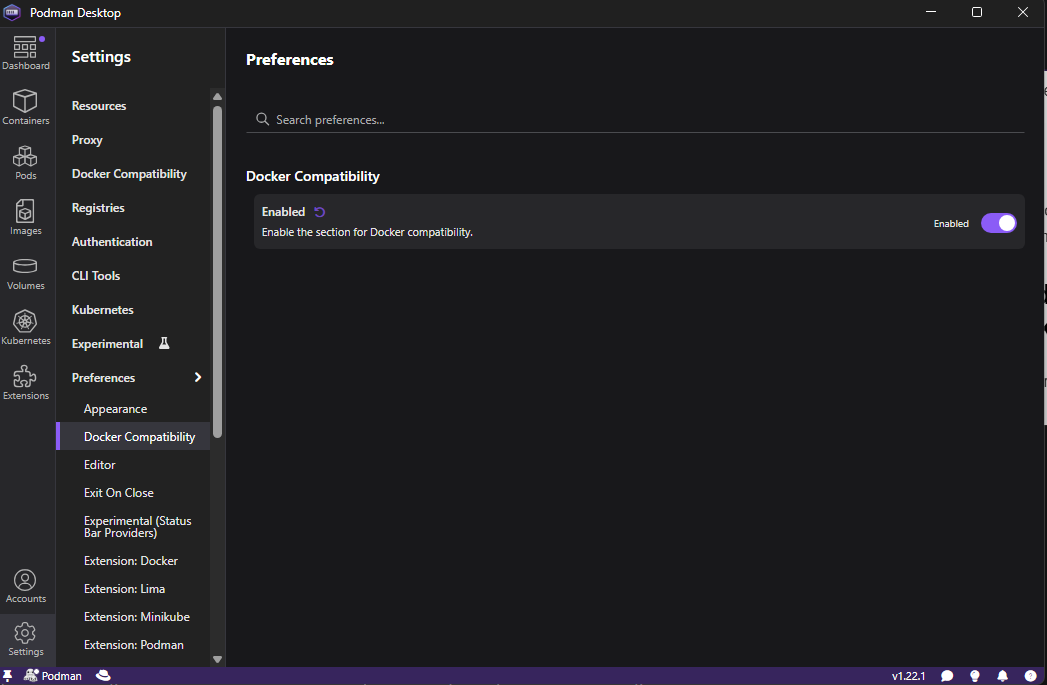
Not sure if necessary (some says yes, some others says no), therefore I configure it anyway. Go in Settings -> Preferences -> Docker Compability and enable it:
Make sure that everything is working
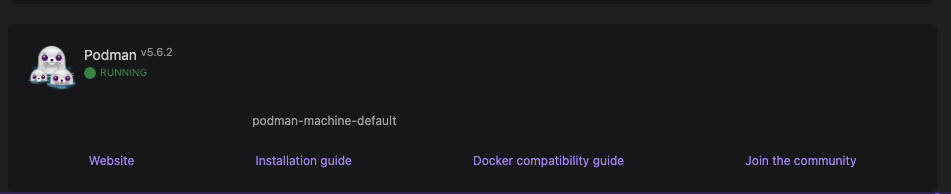
Also this one should be pretty straight forward: launch Podman desktop and if you see this:
And to make sure that the docker compability layer has been enabled, go to Settings -> Docker Compability, you should see something like this:
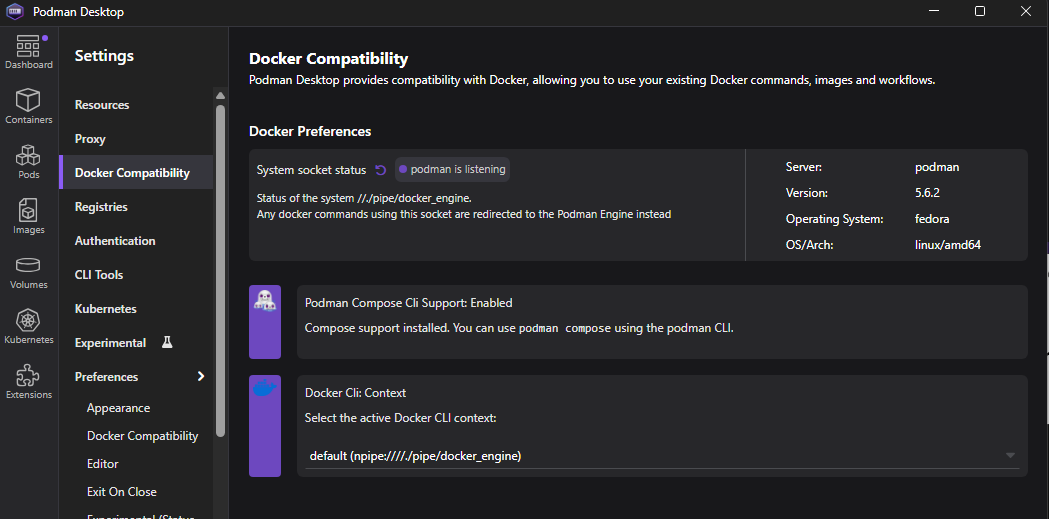
If everything is like this it means that everything is working propertly! Otherwise... Let the curse party begin! XD
Make changes to VSCode in order to make it using Podman instead of Docker
Simplicity is the key: just change a couple of references in the Settings:
    "dev.containers.dockerComposePath": "podman-compose",
    "dev.containers.dockerPath": "podman",